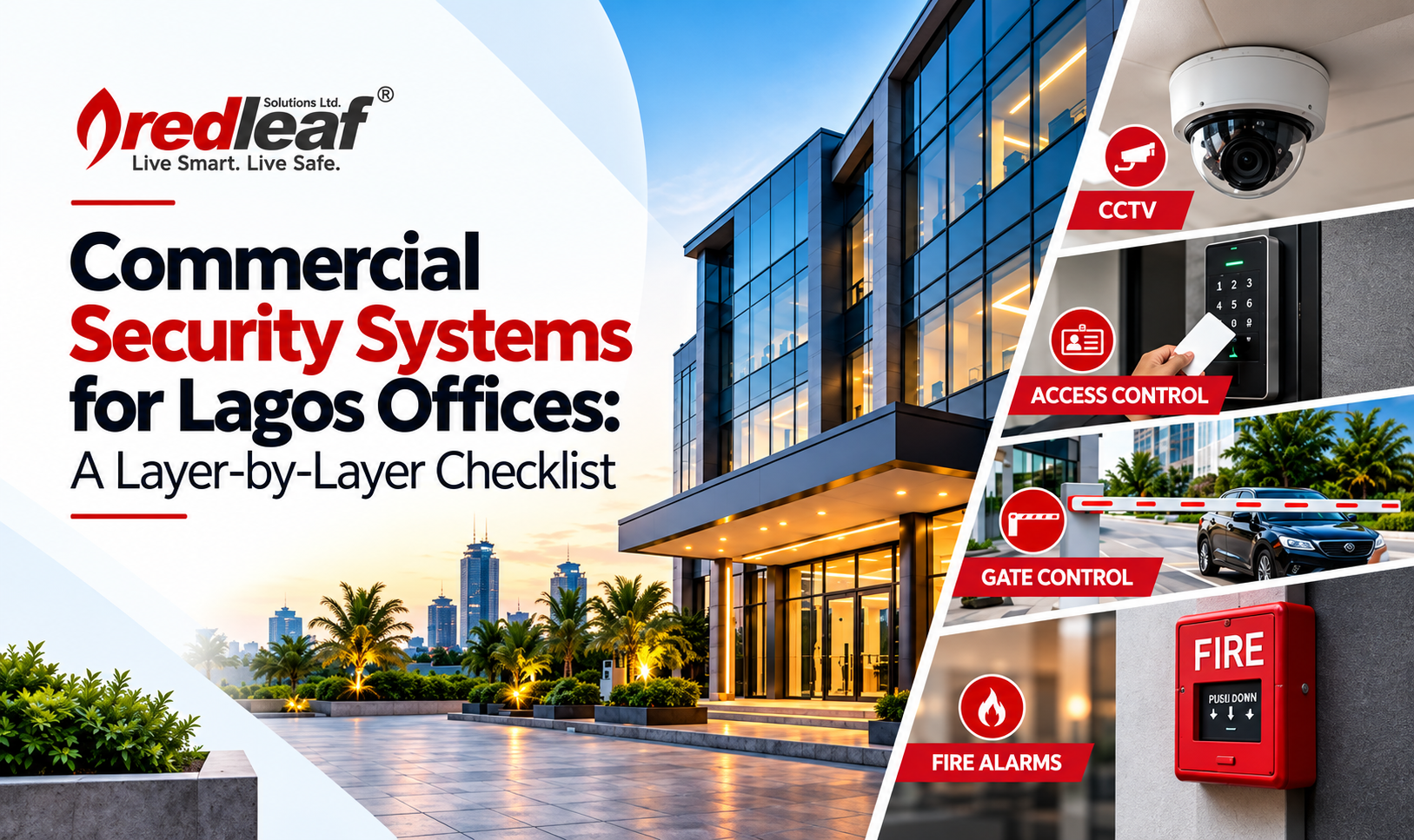
Effective commercial security systems Lagos work as layers, not as a single camera or lock. An office that relies on one measure, such as a guard at the gate or a CCTV system, has one point of failure. When that measure fails, nothing else stands in the way.
This guide walks through each layer of office security, from the perimeter to the server room, and ends with a checklist you can use to review your own premises or brief a security provider. It is written for office managers, facility managers and business owners planning a new fit-out or upgrading an existing site.
Key takeaways
- Layered security gives you several chances to deter, detect, delay and respond to a threat.
- Start with a risk assessment of your building, people and assets before choosing equipment.
- The five layers are perimeter, access control, CCTV, intrusion detection and alarms, and the supporting power, network, monitoring and maintenance.
- Systems that work together, with shared records and alerts, are more effective than separate standalone devices.
- A security system is only as reliable as its power supply, network and maintenance schedule.
Why layered security works
Layered security, sometimes called defence in depth, places several independent measures between a threat and what you are protecting. Each layer has a different job:
- Deter: make the site look like a hard target.
- Detect: notice a problem as early as possible.
- Delay: slow an intruder or unauthorised person down.
- Respond: alert the right people with enough information to act.
Before buying any equipment, do a simple risk assessment. List what you need to protect (people, cash, documents, servers, stock), how people and vehicles move through the building, where the weak points are, and what has gone wrong before. A site survey by a qualified provider turns this list into a design that fits your building and budget.
Layer 1: Perimeter, gates and parking
The perimeter is your first line of defence and the first impression a visitor or intruder gets. For Lagos offices, it usually means the compound wall or fence, the vehicle entrance and the parking area.
What to put in place:
- Controlled vehicle entry. Automatic gates or barriers with a guard post, so every vehicle is logged and checked.
- Number plate recognition. Plate readers record vehicles entering and leaving, which helps with visitor management and investigations.
- Pedestrian entry. A separate, controlled entrance for people, so they do not walk through the vehicle lane.
- Lighting. Good lighting around the perimeter and parking supports both deterrence and CCTV image quality at night.
- Parking management. Defined bays, barriers and monitoring protect staff vehicles and reduce unauthorised parking.
See how gate control and parking management can be integrated with the rest of your security system.
Layer 2: Access control and visitor management
Access control decides who can enter which part of the building, and when. It replaces keys, which are easily copied and hard to track, with credentials that can be issued, limited and cancelled in minutes.
What to put in place:
- Reception and visitor control. A staffed reception desk, visitor registration and visitor badges, so you know who is in the building.
- Credentials. Keycards, fobs, PIN codes or biometric readers, chosen to suit each area. Sensitive areas can require two factors, such as a card plus a fingerprint.
- Zoning. Separate permissions for general office areas, finance, HR, server rooms and storage.
- Turnstiles and speed gates. For larger lobbies, these stop tailgating, where an unauthorised person follows an authorised one through a door.
- Event logs. A record of every entry and exit supports investigations and audits.
- ID card issuance. Photo ID cards for staff and contractors make it easy to spot someone who does not belong.
Access control also pays off in daily operations, since lost cards can be cancelled immediately without changing locks. For businesses planning Access Control Systems Installation, the system should be designed around the building’s access zones and security requirements.
Layer 3: CCTV and video analytics
CCTV deters, records and helps you verify what is happening. Its value depends on where cameras are placed and what they can actually see, not on how many you install.
What to put in place:
- Coverage of key points. Entrances, exits, reception, stairwells, parking, loading areas and server or cash rooms.
- The right camera for each spot. Wide-angle cameras for lobbies, varifocal or high-resolution models for gates, and low-light models where lighting is poor.
- Clear identification. Position cameras so faces and number plates are readable, not just shapes in the frame.
- Reliable recording. Enough storage for your required retention period, with backups and alerts if a recorder or disk fails.
- Remote viewing. Secure access for authorised managers from a phone or computer.
- Video analytics. Features such as line crossing, loitering and intrusion detection can send alerts when something unusual happens, so staff do not need to watch screens all day.
Plan CCTV together with lighting, since a camera in the dark records little. Our CCTV installation company Nigeria team can map camera positions during a site survey.
Layer 4: Intrusion detection and alarms
Intrusion detection covers the times when the office is empty, such as nights, weekends and public holidays. It detects unauthorised entry and alerts people who can respond.
What to put in place:
- Door and window contacts and motion sensors on entry points and in sensitive rooms.
- Alarm panel and siren with clear arming and disarming procedures for staff.
- Panic buttons at reception and in key offices.
- Video verification. Linking alarms to cameras helps you confirm a real event before sending a response team, which reduces false alarms.
- Alert and escalation rules. Decide who is notified, in what order and what happens if nobody answers.
- Monitoring. Alarms that reach a monitoring team or a response contact, rather than sounding in an empty building.
An alarm that no one hears or responds to deters very little, so the response plan matters as much as the sensors.
Layer 5: Power, network, monitoring and maintenance
The other four layers all depend on this one. A camera without power or a controller without a network connection protects nothing.
What to put in place:
- Backup power. UPS units and generator changeover so critical devices keep running during outages, which are common in Lagos.
- Surge protection and earthing to guard against voltage spikes and lightning.
- A reliable network. Structured cabling, quality switches and a separate network segment for security devices.
- Cybersecurity basics. Strong passwords, updated firmware and restricted remote access, since security devices connected to a network can be a way in.
- Integration. A single platform or linked systems, so an alarm can trigger cameras and a door event can be matched to video.
- Maintenance. Scheduled servicing and fast fault response. See why annual servicing saves money.
A good design assumes that power will fail and that someone will eventually try to bypass the system, then plans for both.
Common mistakes Lagos offices make
- Buying equipment before assessing risk. Cameras and readers get installed where they are convenient, not where they are needed.
- Relying on one layer. A guard or a camera alone leaves single points of failure.
- Ignoring power. Systems with no backup go offline during outages, usually when the site is most vulnerable.
- Mixing unconnected systems. Separate systems that do not share information make investigations slow and alerts easy to miss.
- Poor camera placement. Cameras that face glare, miss faces or cover empty space record little of use.
- No response plan. Alerts that nobody is assigned to handle are just noise.
- Skipping maintenance. Systems drift, batteries fail and recordings stop without anyone noticing.
- Forgetting people. Staff need training on visitor procedures, alarm use and what to do during an incident.
Frequently asked questions
What security systems does a Lagos office need?
Most offices need controlled entry, access control for internal areas, CCTV covering key points, intrusion detection for out-of-hours protection, and reliable power and network support. The exact mix depends on your building, staff numbers and what you hold on site.
How much do commercial security systems cost in Lagos?
Cost depends on the size of the site, the number of cameras and doors, the equipment brands and the level of integration. A site survey is the only reliable way to get an accurate quote.
Is CCTV enough to secure an office?
No. CCTV records and deters, but it does not control who enters or alert you to an intrusion by itself. Combining it with access control and intrusion detection gives much stronger protection.
Should access control and CCTV work together?
Yes. When they are integrated, a door event can be linked to video, so you can quickly see who entered and when. It saves time during investigations.
How long does installation take?
Small offices can often be completed in days, while larger sites take longer because of cabling, gates and integration work. A provider should give you a schedule after the survey.
Build your office security one layer at a time
Strong commercial security does not come from one expensive device. It comes from layers that work together: a controlled perimeter, managed access, well-placed cameras, intrusion detection, and the power, monitoring and maintenance that keep everything running.